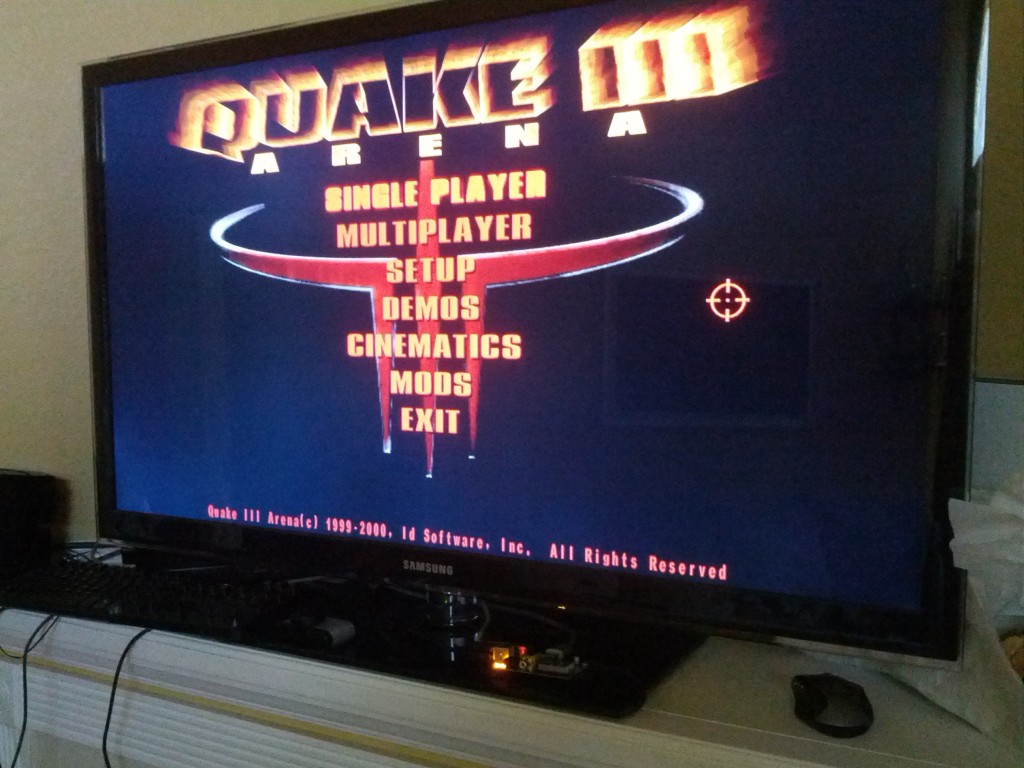
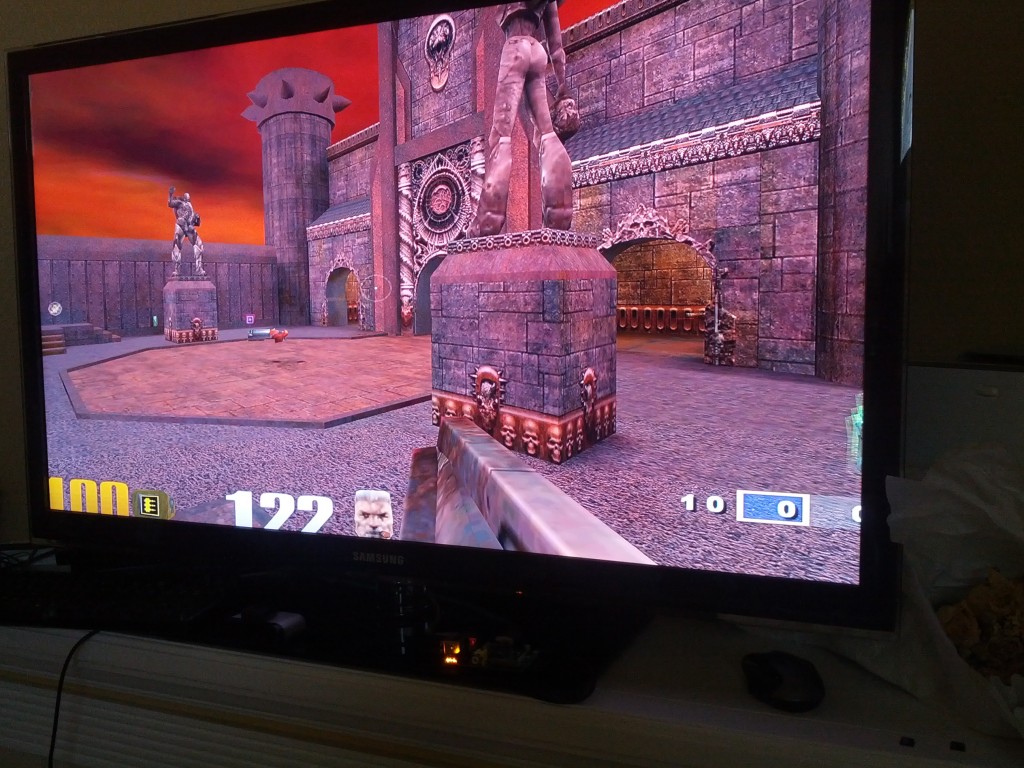
Install Quake 3 on Raspberry Pi
Here is the easiest possible way to install Quake 3 on the Raspberry Pi with debian6-19-04-2012. Just copy and paste the following in a terminal on the Pi:
cd ~
wget http://radium.hexxeh.net/quake3.zip
wget http://www.andershizzle.com/Q3%20Demo%20Paks.zip
unzip quake3.zip
unzip Q3\ Demo\ Paks.zip
rm quake3.zip
rm Q3\ Demo\ Paks.zip
mv ./baseq3/pak* ./quake3/baseq3/
rm -rf ./baseq3/
chmod +x /home/pi/quake3/start.sh
chmod +x /home/pi/quake3/ioquake3.arm
chmod +x /home/pi/quake3/ioq3ded.arm
Note: After reports of connection issues with the downloads, I have hosted mirror versions of the two files here:
wget http://dl.dropbox.com/u/1816557/quake3.zip
wget http://dl.dropbox.com/u/1816557/Q3%20Demo%20Paks.zip
To start quake3, switch to the install directory, and execute the start.sh script in a terminal:
cd ~/quake3/
./start.sh
30 Comments
Trackbacks/Pingbacks
- Adding wireless to the Raspberry Pi - Hack a Day - [...] also has a guide for installing Quake 3 on a RasPi. Combine these two builds and you’ve got the ...
- Broad Thinking - Real People with Real Opinions - [...] doing with your games consoles. In fact it is so powerful that people have already demonstrated Quake 3 running ...
- Installation Quake 3 Arena | zavik_zeitvertreib.blog - [...] Zum Start die Kommandos für den Download und die Einrichtung von Q3. Die Quelle dafür ist MitchTech: [...]
- Raspberry Pi | modlog.net - [...] check the CPU speed, I tried installing Quake3. Had to compile from source code to fix library errors, and ...
- How to install Install Quake 3 on Raspberry Pi « Frustrated IT Engineer - [...] www.mitchtech.net Raspberry Pi shown playing Quake 3 [...]


When I run the start script, I get:
“GLimp() – could not load OpenGL subsystem”
Any idea why?
Thanks!
Sean, this error is likely a path issue. The tutorial assumes you running Debian, on other distros you may need to modify /etc/ld.so.conf to include the location of the OpenGL libraries.
Couldn’t be easier!
Is sound supposed to work? Didn’t for me, but then again I haven’t gotten any sound out of this thing yet.
Thanks!
Marcos, you can enable sound by following my tutorial here: http://mitchtech.net/raspberry-pi-audio/
Hi Michael,
Thank’s for your blog, good stuff here
I could not get quake3.zip on my RPi or my other computer… “Connexion refused”
I’am alone with this message ?
Thank’s
http://radium.hexxeh.net/quake3.zip is now working as of 5th July 2012
Hi Max, your definitely not alone! I will update the tutorial with additional mirrors!
The quake3.zip comes down fringe from the server but there seems to be a connection issue for the Q3 Demo Paks.zip from the other server.
Is this a known problem or is there an alternative server to get it from?
Sorry about the spelling issues blame it on the crapple iPad!
Hi Pidge, due to the intermittent availability of the zip files, I have update the tutorial with additional mirrors!
Top man! All sorted! Thanks for your help, just had to ‘sudo’ the last three lines of code but it really is easy to instal!
i dont understand the bit after you copy and paste the thing into terminal! help please!
I’ve just installed Quake3 on the Debian “wheezy” public beta Image.
i get the following error message when I run ./start.sh
1678115519: vchiq_lib: Very incompatible VCHIQ library – cannot retrieve driver version
failed to open vchiq instance
( I also did sudo apt-get update && sudo apt-get upgrade )
thanks.
I get the same error…. “3686302236: vchiq_lib: Very incompatible VCHIQ library – cannot retrieve driver version * failed to open vchiq instance”
perhaps this could help you: http://www.raspbian.org/RaspbianQuake3
Thanks ! But it don’t works for me
Same error….
Hi Michael, thanks for posting a such a simple guide. I ran the terminal commands without any problem but then got this when trying to run start.sh:
**************************************************
WARNING: pak0.pk3 is present but its checksum (2985612116)
is not correct. Please re-install the point release
**************************************************
execing default.cfg
couldn’t exec q3config.cfg
couldn’t exec autoexec.cfg
Hunk data failed to allocate 64 megs
I’m using debian6-19-04-2012. Any idea where I’m going wrong? Thanks.
can’t seem to run the demo, is it supposed to work?
I am having the same issue as Tim.
Hunk data failed to allocate 64 megs
Having the same issue. Any fix yet?
Sorry, this problem … Very incompatible VCHIQ library – cannot retrieve driver version * failed to open vchiq instance
I get this error: root@raspberrypi:~/quake3# ./start.sh
1341215802: vchiq_lib: Very incompatible VCHIQ library – cannot retrieve driver version
* failed to open vchiq instance
pls help
240265500: vchiq_lib: Very incompatible VCHIQ library – cannot retrieve driver version
* failed to open vchiq instance
I get this when I try to run the start.sh
Running Raspian Wheezy latest from RPI.org
Was there ever an answer here…same prob exactly.
http://www.raspbian.org/RaspbianQuake3
This is a full compile install though
Thanks! I got lazy and found binaries (to replace what we end up with above) here:
http://www.apt-e.org/raspberry/Quake3.zip
Works okay. Will do the right thing (and hopefully gain some optimization) and recompile when I get a breather.
Cheers!
vchiq_lib: Very incompatible VCHIQ library – cannot retrieve driver version
* failed to open vchiq instance this what i get every time
Matt Dragon give us the key. It works but you need to replace the file
http://dl.dropbox.com/u/1816557/Q3%20Demo%20Paks.zip
for that one:
http://www.apt-e.org/raspberry/Quake3.zip
Hi
I get this error when I try to run it.
./ioquake3.arm: 1: Syntax error: word unexpected (expecting “)”)